
Checks to Verify a Social Media Account Before You Buy (YouTube, TikTok, Instagram, Facebook)
Buying a social media account can save months (or years) of growth—but only if the account is real, healthy, and transferable. Many “good deals” hide problems: fake followers, risky content, strikes, stolen videos, or recovery still linked to the seller.
Here’s a practical, step-by-step checklist you can use before confirming delivery on any marketplace.
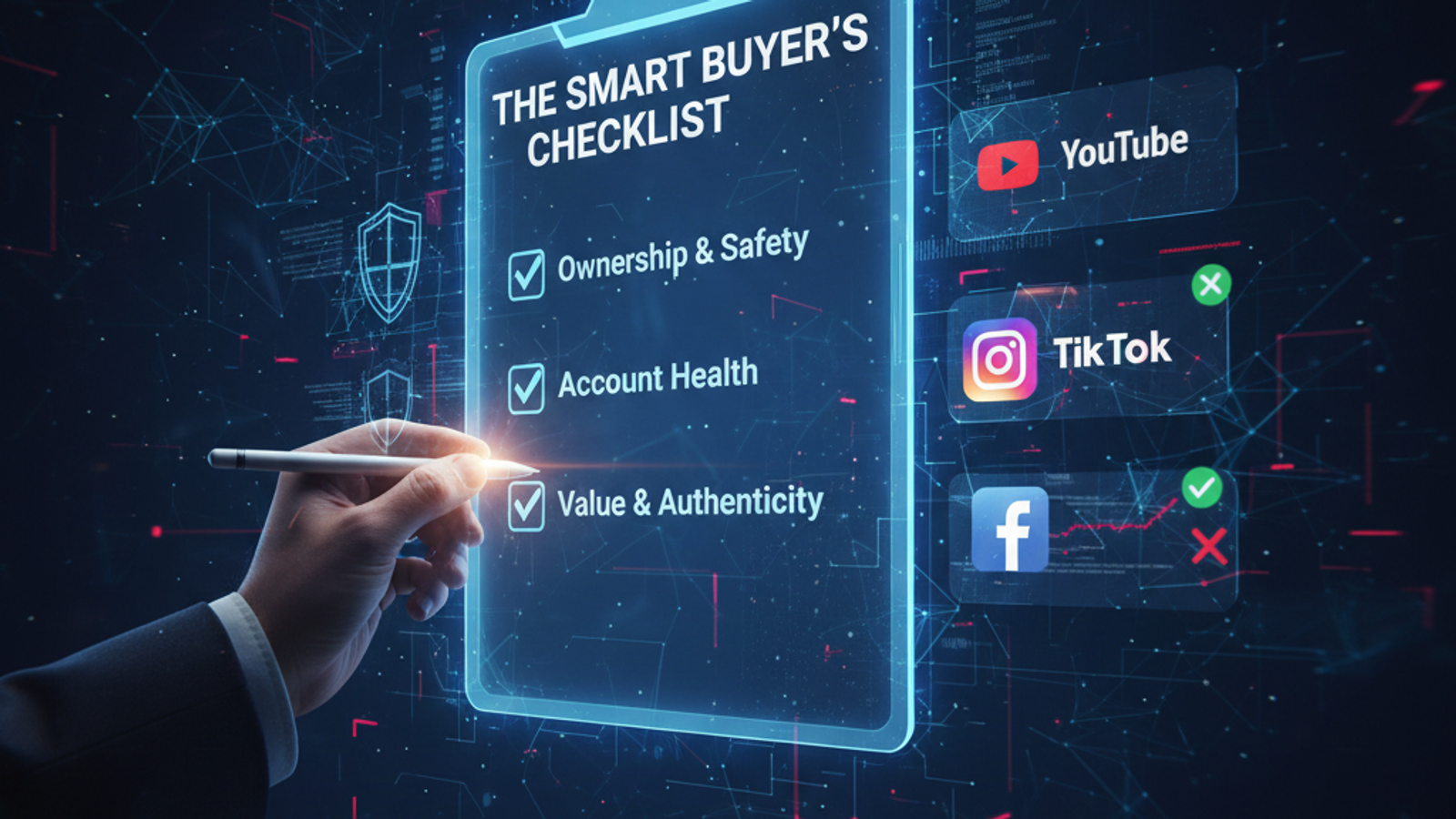
Quick Rule: Verify 3 Things
Before you buy, verify these 3 categories:
Ownership & Transfer Safety (Can you truly secure the account?)
Account Health (Any bans/strikes/warnings/risk?)
Value & Authenticity (Are the stats and audience real?)
If any one of these fails, pause the deal.
A) Ownership & Transfer Safety (Must-Pass)
These checks protect you from “I lost access after 3 days” problems.
1) Email Ownership Transfer
Make sure you will control the primary email attached to the account (or the platform’s official transfer method is used).
2) Recovery Options Reset
Recovery email + recovery phone must be updated to yours. If the seller still has recovery access, the account is never truly yours.
3) 2FA Set Up Immediately
Enable two-factor authentication on your own phone/app right after transfer.
4) Remove Old Sessions / Devices
Log out all devices and remove unknown sessions. This stops “silent access” later.
5) Username/Handle Change Rules
Some platforms limit handle changes. Confirm whether you can rebrand (and how long you must wait).
6) Original Signup Country & Restrictions
Country/region can affect monetization, payout, TikTok Creator tools, ad approvals, etc. Confirm where it was created.
B) Account Health & Policy Risk (Avoid Future Bans)
A “big account” is worthless if it’s one strike away from a ban.
7) Strikes / Warnings / Policy Flags
YouTube: strikes / copyright issues
TikTok/IG/FB: policy warnings, restricted features, shadowban signs
8) Copyright / Reused Content Risk
If content looks copied, faceless stolen clips, TV/movie edits, or reused compilations—your future revenue is at risk.
9) Monetization Status (If Promised)
If the listing includes monetization, verify:
YouTube Partner Program status (or eligibility)
TikTok monetization tools availability
Instagram bonuses/monetization (where applicable)
10) Recent Drops in Views or Reach
A sudden fall can mean:
shadowban
niche collapse
content stopped working
low-quality traffic previously boosted
11) Community Guideline History
Ask for evidence of past violations. Even older issues can matter.
C) Authenticity & Value (Spot Fake Stats)
This is where most buyers get tricked.
12) Audience Geography Check
If the niche is local (ex: Sri Lanka/India) but the audience is 80% random countries, your conversion will be low.
13) Engagement Quality (Not Just Numbers)
Check comments:
Are they real sentences?
Are they repeated spam phrases?
Do likes-to-views ratios look normal?
14) Growth Pattern (Look for Weird Spikes)
Organic growth typically climbs in waves.
Suspicious patterns:
one-day spike then flat forever
massive follower jump without matching views
high followers but tiny reach
15) Top Content & Traffic Source
One viral video might carry the whole channel/page.
Make sure there’s repeatable content performance, not just a single lucky hit.
16) Niche Compatibility With Your Plan
Ask: can you continue the niche without destroying engagement?
If you plan to rebrand heavily, expect a performance dip.
17) Revenue Proof (If Included)
If income is part of the deal, request:
dashboard screenshots
payout history
time range matching the listing
And confirm it’s consistent, not a one-week peak.
Red Flags (If You See These, Pause)
Seller refuses to reset recovery options
“I’ll give you login first, trust me” (unsafe)
Stats look amazing but engagement looks fake
Content is clearly copied/reuploaded
Seller avoids providing clear proof/screenshots
Account has warnings/strikes but seller says “no issue”
Best Practice: Use Escrow + Confirm Only After Full Security
Even if everything looks good, confirm delivery only after:
recovery email/phone fully changed
2FA enabled on your device
old sessions removed
key stats verified
That’s how you buy like a pro.
CTA (End)
Want safer deals with clear proof and escrow protection?
Browse verified listings and trade through YTproud’s secure process.
Rate the article
Share
In this article